2.1 Login
After system installation, open a browser (a Google Chrome-based browser is recommended) and enter the login URL. The login address will be provided by your facility administrator or IT personnel.
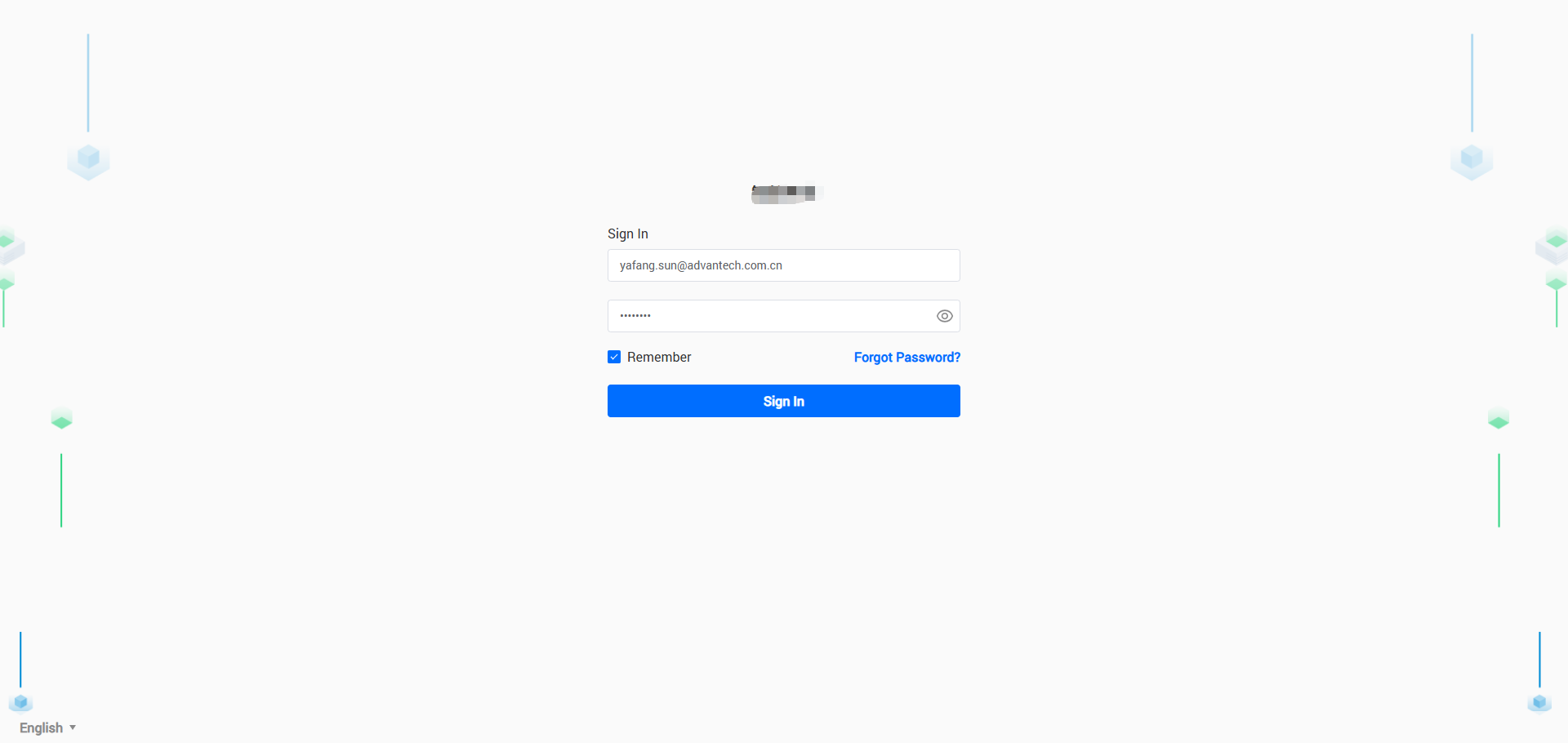
Enter your username (XXXX) and password (XXXX), then click [Login] to access the iEMS homepage.
If multiple ORGs are available, you will first enter the ORG selection page. After selecting an ORG, proceed to the service selection page.
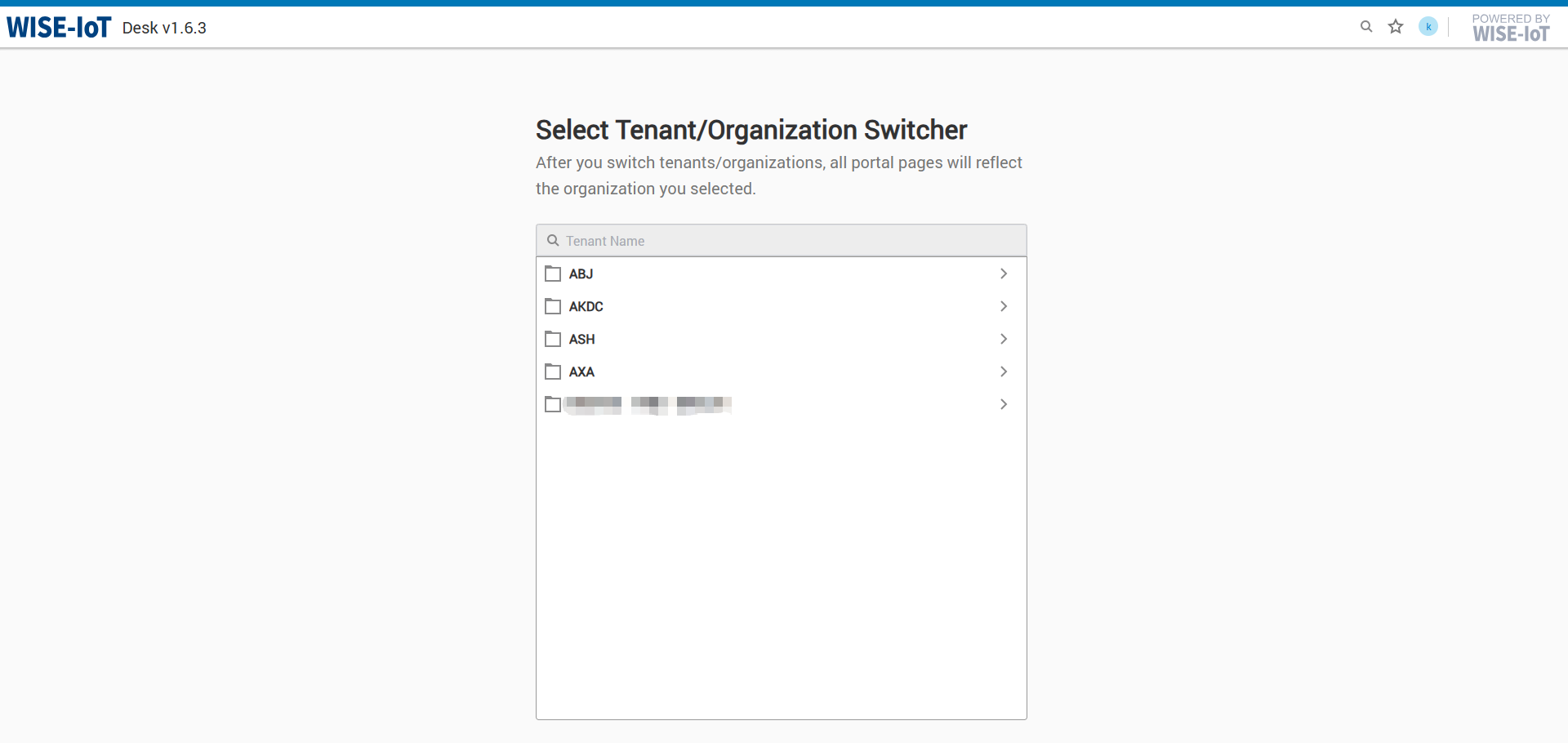
If only one ORG exists, you will directly enter the service selection page.
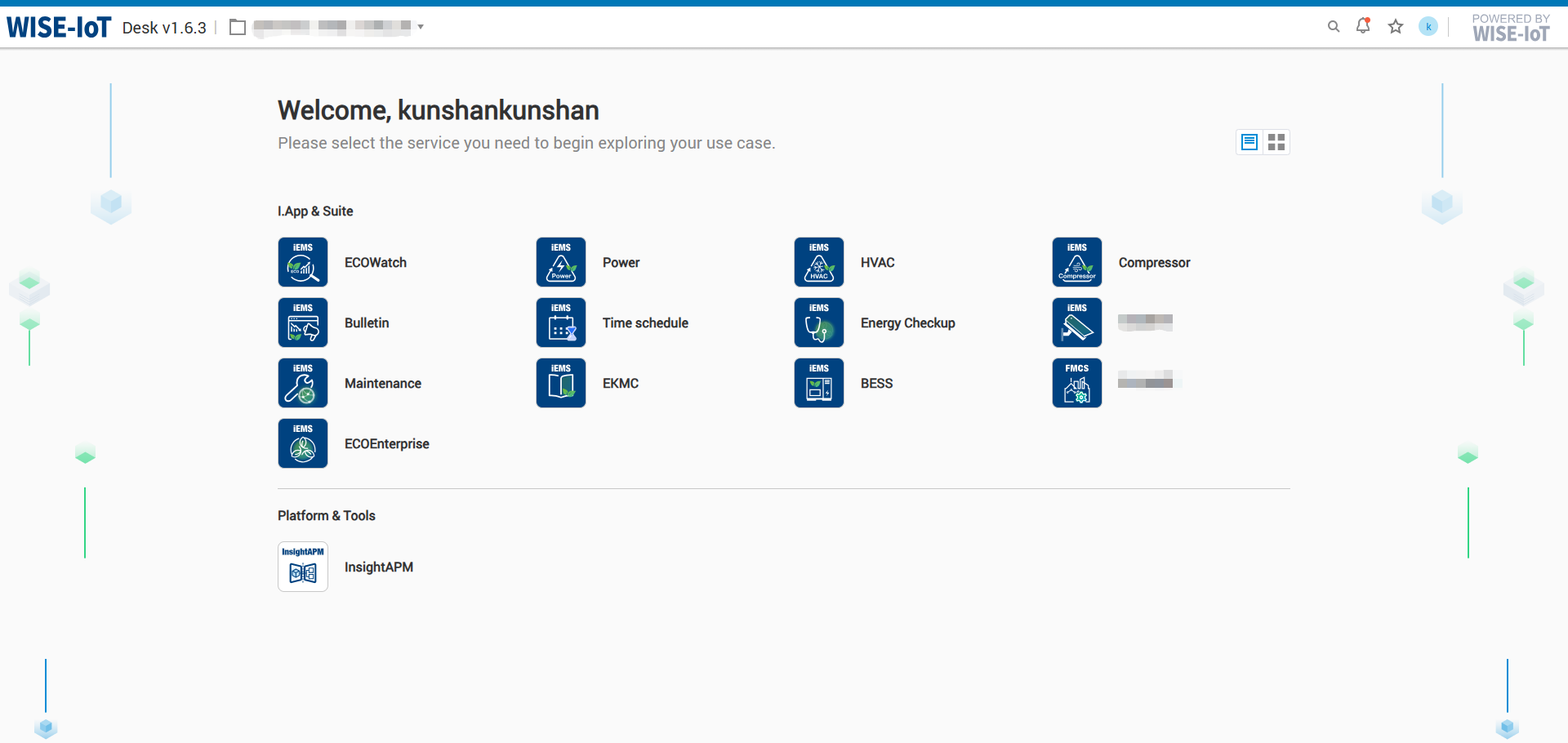
Click [HVAC Energy Efficiency] to enter the HVAC homepage - Plant Overview.